“By far the best comic reader I have used.”
“Just Brilliant... would give it a six out of five if i could. simply brilliant...”
“This is easily the best pure comic reader for the Mac...”
Built for reading
Distraction-free reading with smooth page turns, flexible layouts, and precise image rendering.
Fast and responsive
Optimized for performance, with instant navigation and fully customizable keyboard shortcuts.
Open your comics anywhere
Open comics directly from Files or Finder, with OPDS support and a gallery view for fast navigation.
A focused reading experience
No library to manage. No distractions on screen.
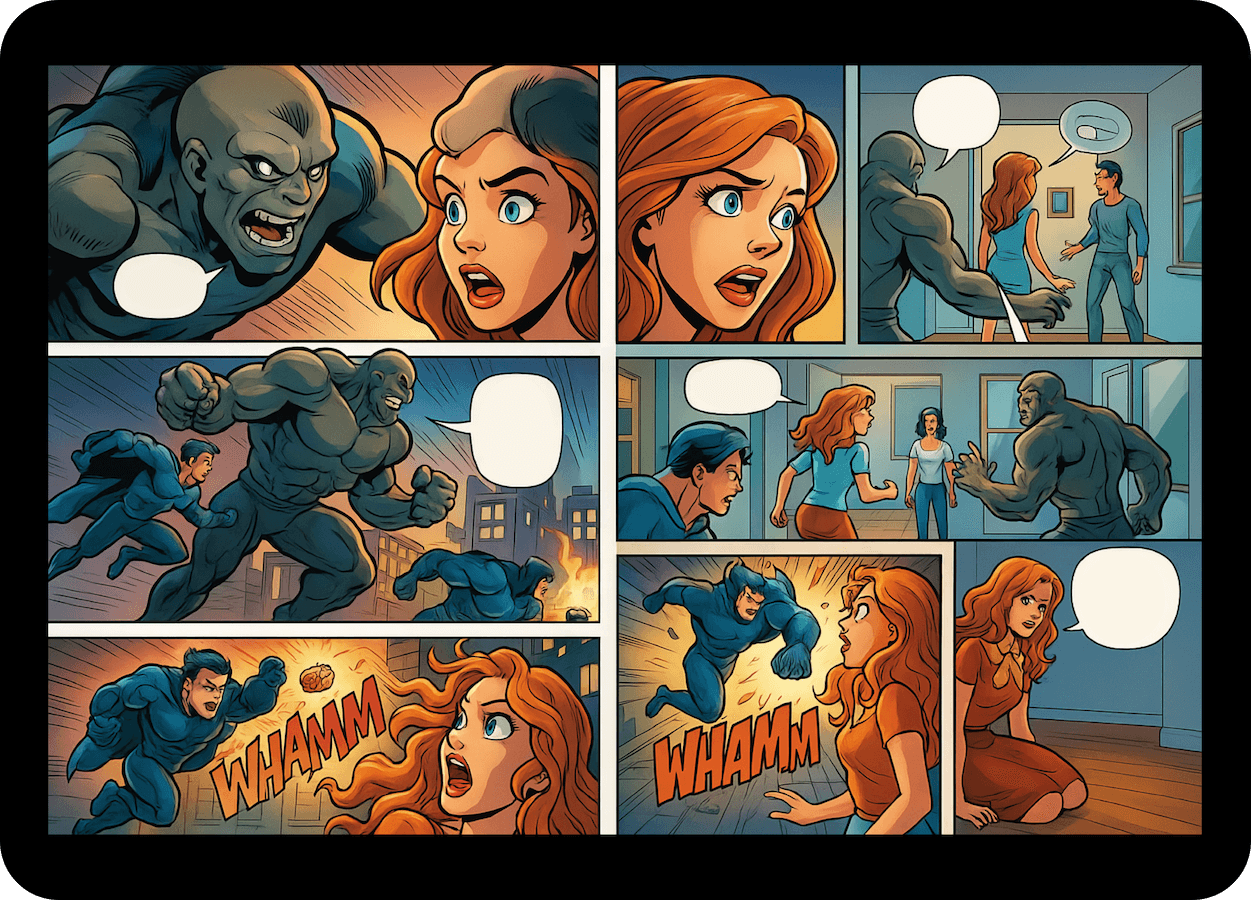
Open a comic and read, page by page, with fast navigation and precise image rendering.
Frequently asked questions
Quick answers about files, formats, platforms, OPDS, and pricing.
Does DrawnStrips require a comic library?
No. DrawnStrips does not use a library system. You open comics directly from Files or Finder and start reading immediately, page by page. Comics stored in cloud providers such as iCloud Drive, Dropbox, or Google Drive are accessible automatically through the system Files interface.
What comic and manga formats are supported?
DrawnStrips supports CBZ, CBR, PDF, EPUB, ZIP, RAR, TAR, folders, and more. Files can be opened locally or accessed through OPDS servers.
Is DrawnStrips available on Mac, iPad, iPhone, and Vision Pro?
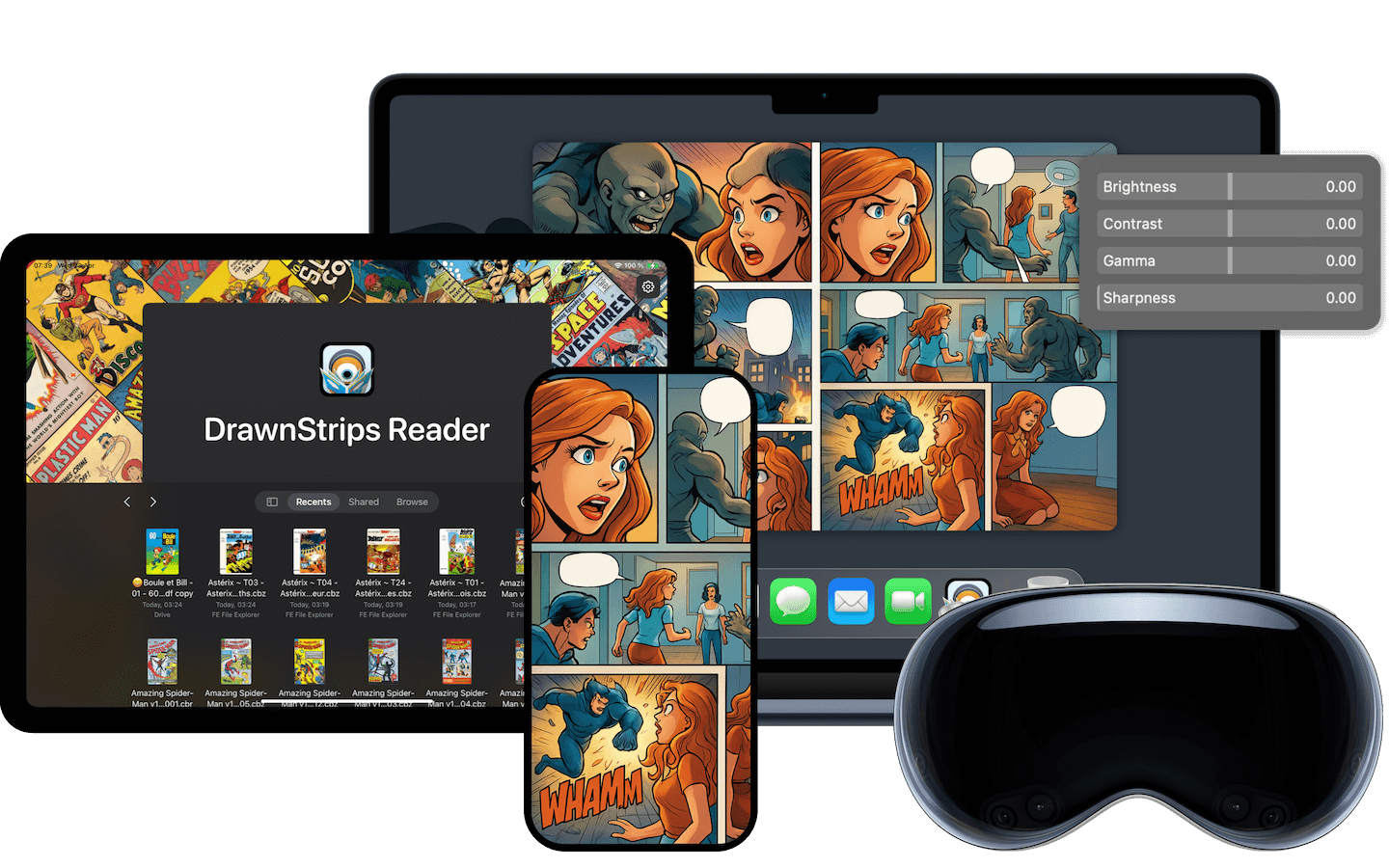
Yes. DrawnStrips is available on macOS, iPadOS, iOS, and Apple Vision Pro, with a native experience adapted to each platform.
Does DrawnStrips support OPDS servers?
Yes. DrawnStrips supports OPDS, so you can connect to your servers and browse or open comics without manually copying files.
Is DrawnStrips free?
DrawnStrips is not free, but it includes a free trial so you can evaluate the app before subscribing. Subscription options and a lifetime license are available through Apple’s in-app purchase system.
Start reading with DrawnStrips
Available on Mac, iPad, iPhone, and Apple Vision Pro.